How it works
Set up your server once and enjoy all your music organized automatically.
NASound is not a file browser. It automatically indexes your music and organizes it by artists, albums and songs — like Spotify or Apple Music, but with your own library stored on your NAS or server.
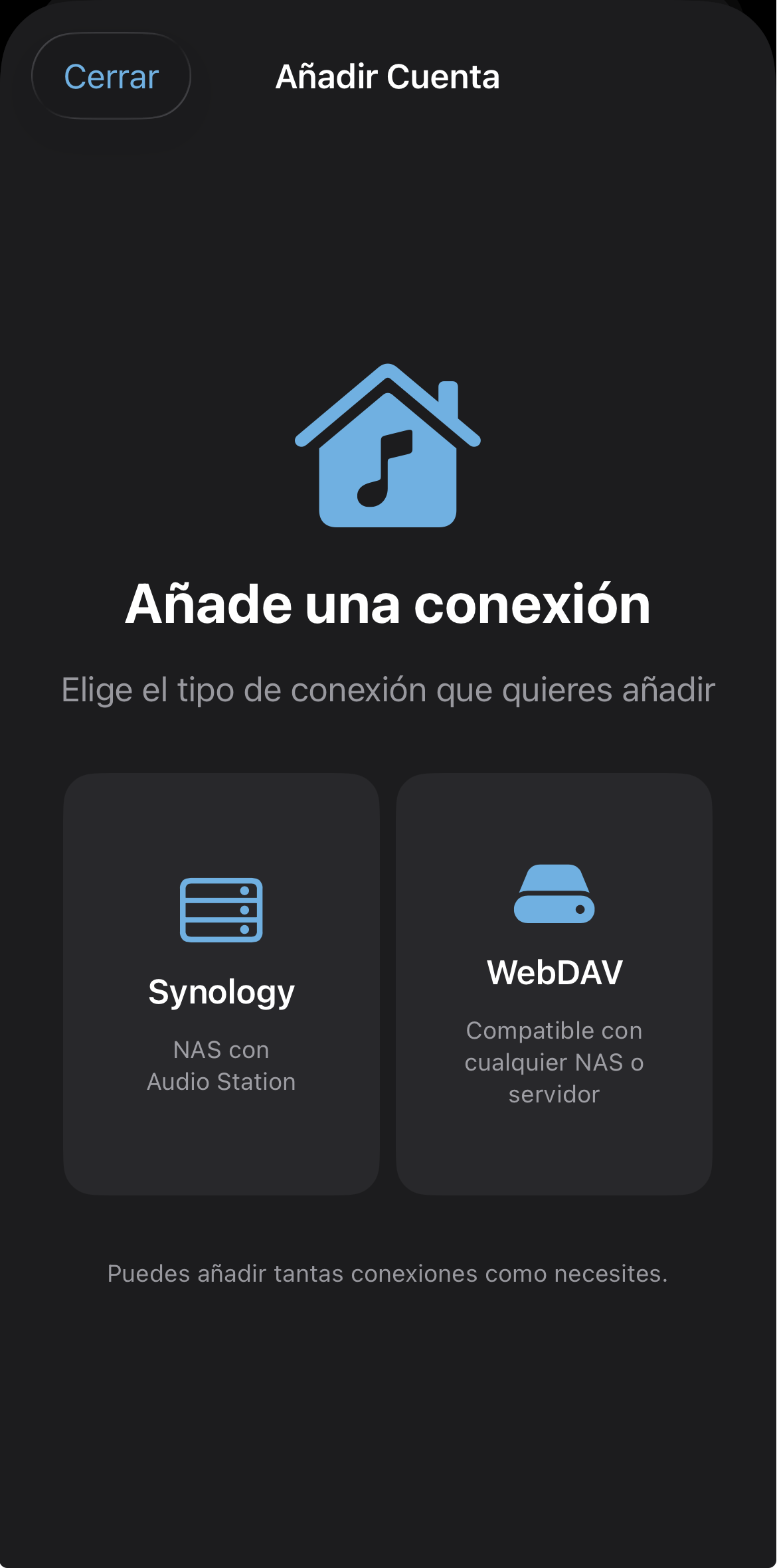
Choose your connection type
NASound supports two server types: Synology NAS (with Audio Station) and WebDAV (compatible with any NAS or server). You can add as many connections as you need.
🗄️ Synology NAS
If you have a Synology NAS with Audio Station installed, NASound integrates directly with its services.
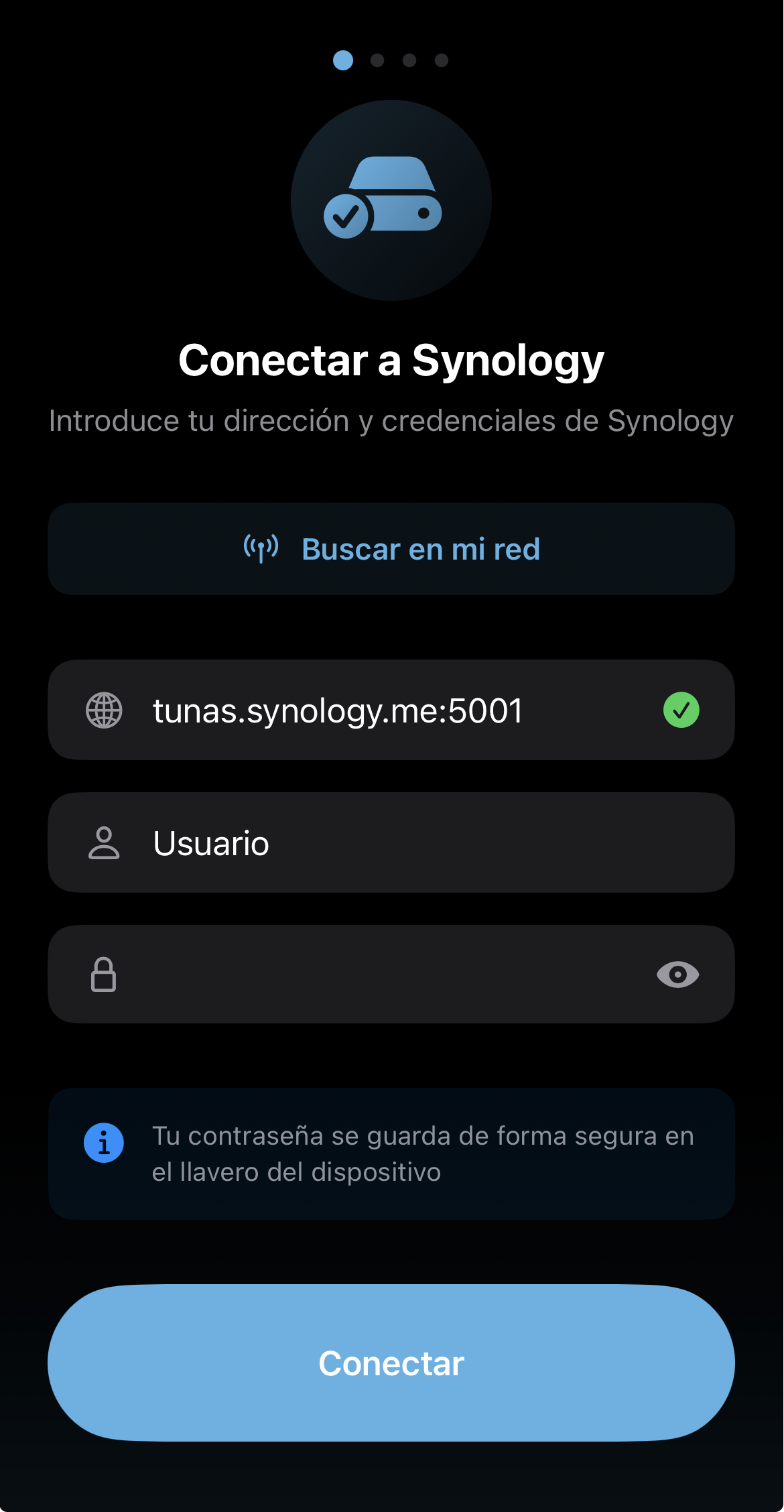
Enter your credentials
Type your Synology address, username and password. You can also use the "Search my network" button to detect it automatically on your local network. Two-factor authentication (2FA) is supported.
Your password is securely stored in Apple's Keychain.
How does it work under the hood?
NASound uses two Synology services simultaneously:
Audio Station to index your music library (artists, albums, metadata and artwork).
File Station for audio playback and incremental change synchronization.
🌐 WebDAV
If you use a non-Synology NAS, your own server or any WebDAV-compatible service.
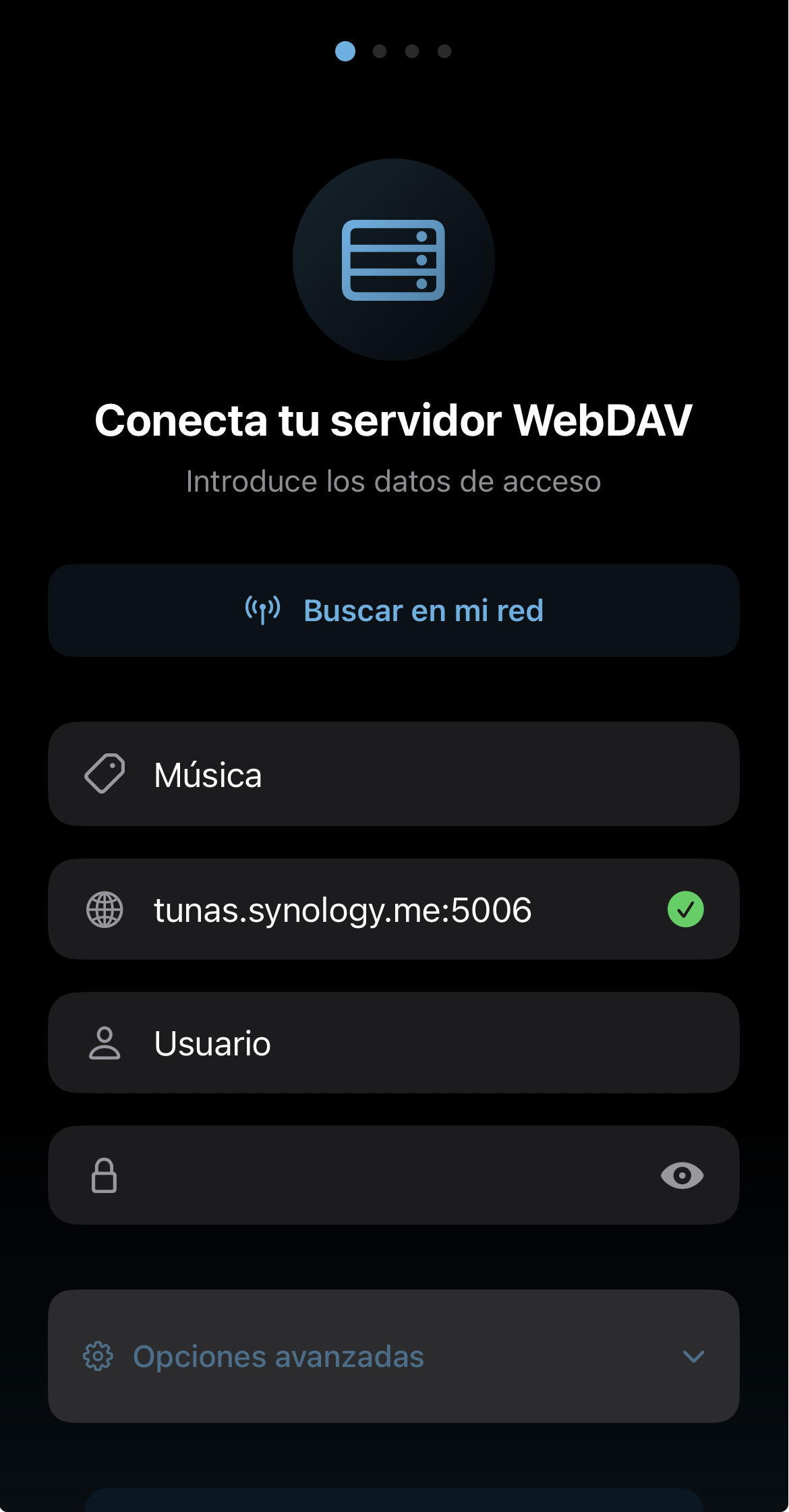
Connect your server
Enter your WebDAV server URL, a descriptive name to identify the account, username and password. You can also search for servers on your local network automatically.
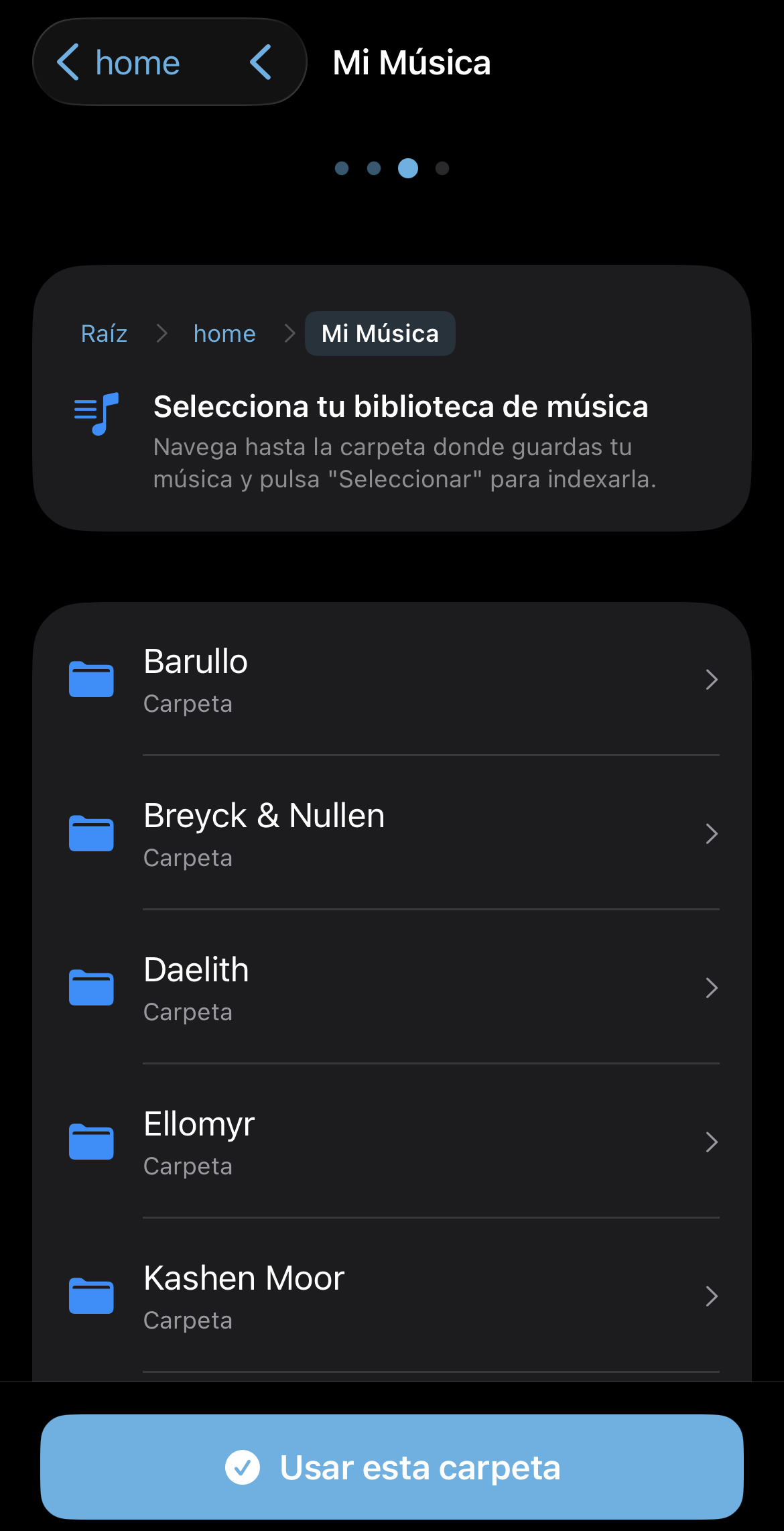
Select your music folder
Navigate to the root folder where you store your music and tap "Use this folder". NASound will recursively scan all subfolders to find your audio files.
Unlike a file browser, you won't need to navigate through folders again — your music will be automatically organized by artists and albums using the metadata (ID3 tags) from each file.
🔄 Indexing and synchronization
Once the connection is set up, NASound indexes all your music automatically.
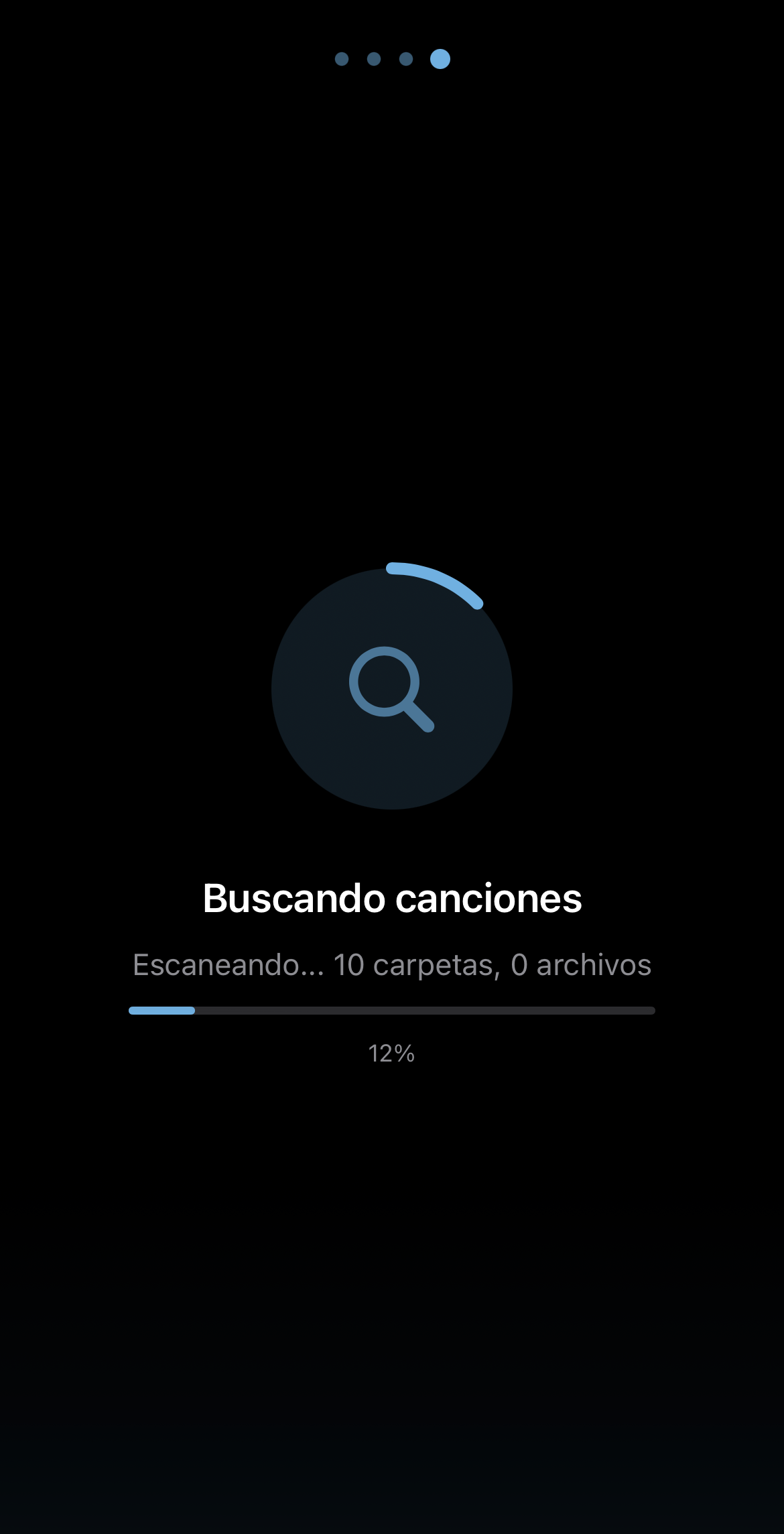
First sync
NASound scans your server and extracts metadata from each file: title, artist, album, year, artwork, duration, format and more. This process only runs in full once.
Subsequent syncs are incremental — they only detect changes (new, deleted or modified songs), making them much faster.
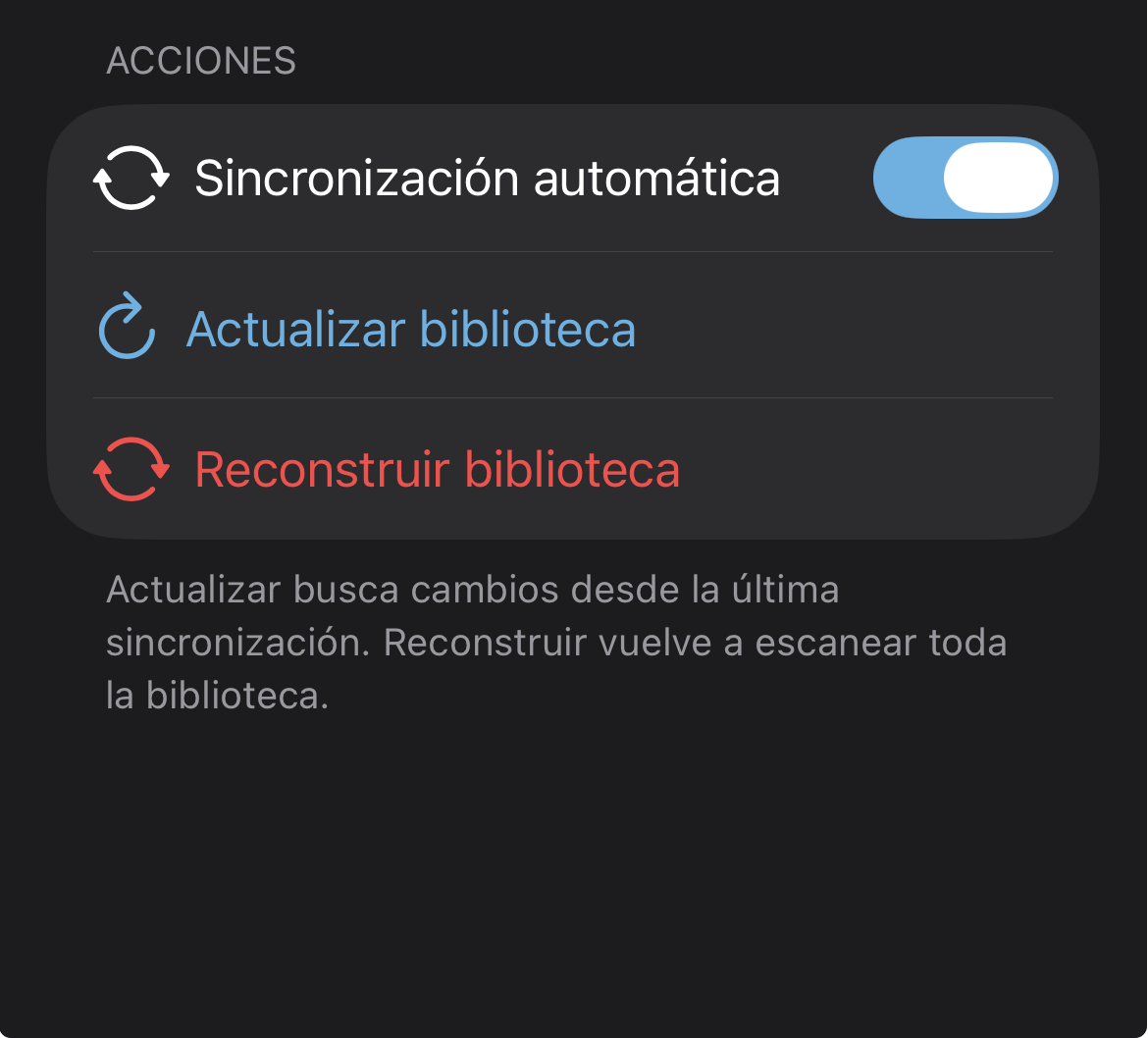
Full control over synchronization
From settings you can configure how and when your library syncs:
🎵 Your library, organized
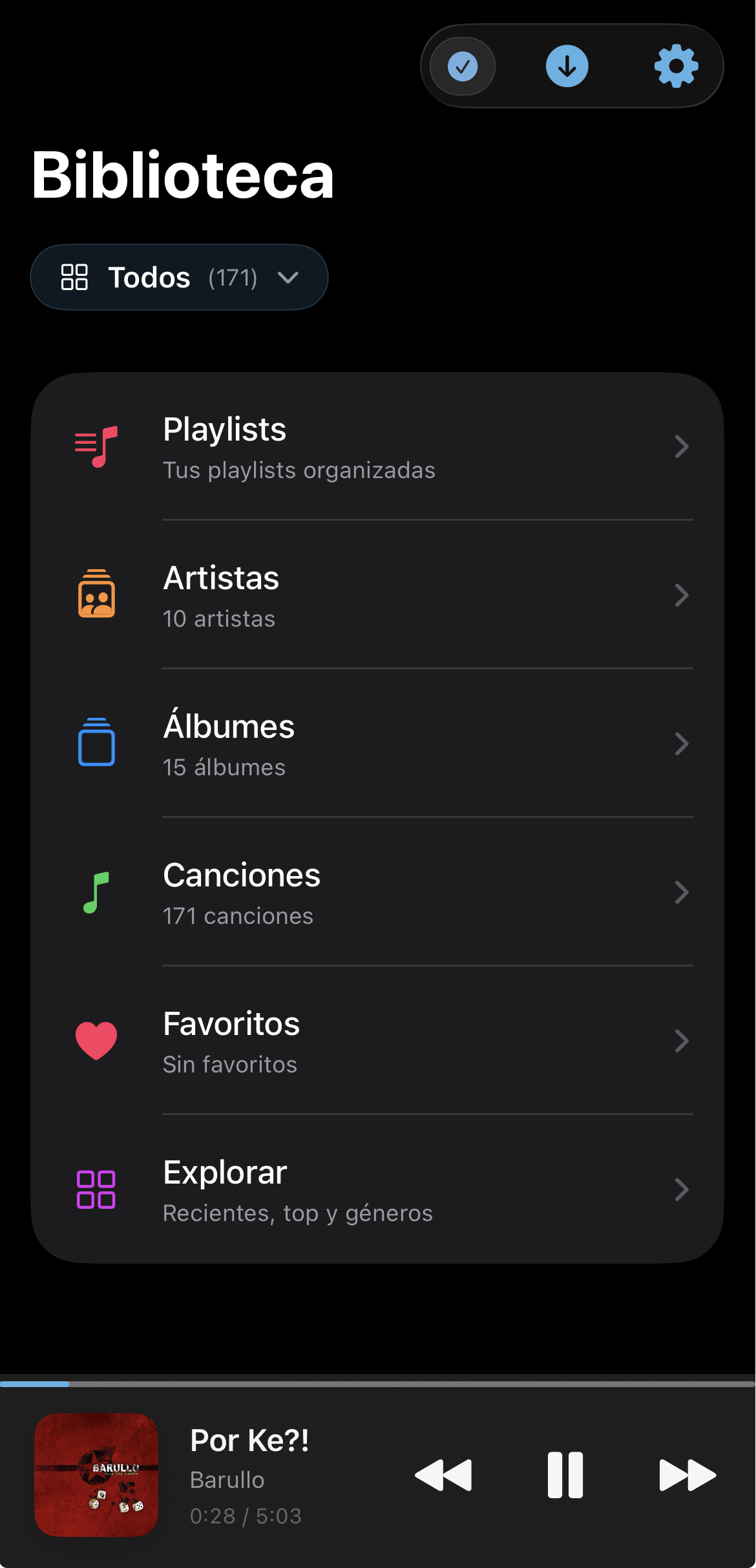
Ready to listen
Your music appears organized by artists, albums, songs and genres — regardless of how the folders are structured on your server.
If you add new music to your NAS, NASound will detect it automatically on the next sync. No extra setup needed.